Perceptron TUI Installation
The Perceptron TUI is a fast, keyboard-driven Terminal User Interface (TUI) with vim key bindings and customizable themes.
Prerequisites
To use the Perceptron TUI, you’ll need a modern terminal emulator like:
Install Perceptron TUI
Script Installer
The easiest way to install the Perceptron TUI is through the shell script installer.
curl -fsSL https://perceptron.cloud/install.sh | bashThis downloads pre-built binaries for your OS and architecture, and
installs to ~/.perceptron/bin/:
perceptron: the terminal UIpct: symlink toperceptronperceptron-server: the local frontend server
The installer prompts to add ~/.perceptron/bin/ to your
$PATH if not already configured.
Supported platforms:
- Linux (x86_64, aarch64)
- macOS (x86_64, Apple Silicon).
Launch Perceptron TUI
pctInvoke the pct command in your terminal emulator to
launch the Perceptron terminal interface.
On first launch you will be prompted to either generate a new wallet, import an existing seed phrase, or connect an external wallet. Your seed phrase never leaves your computer, is stored locally, and encrypted at rest.
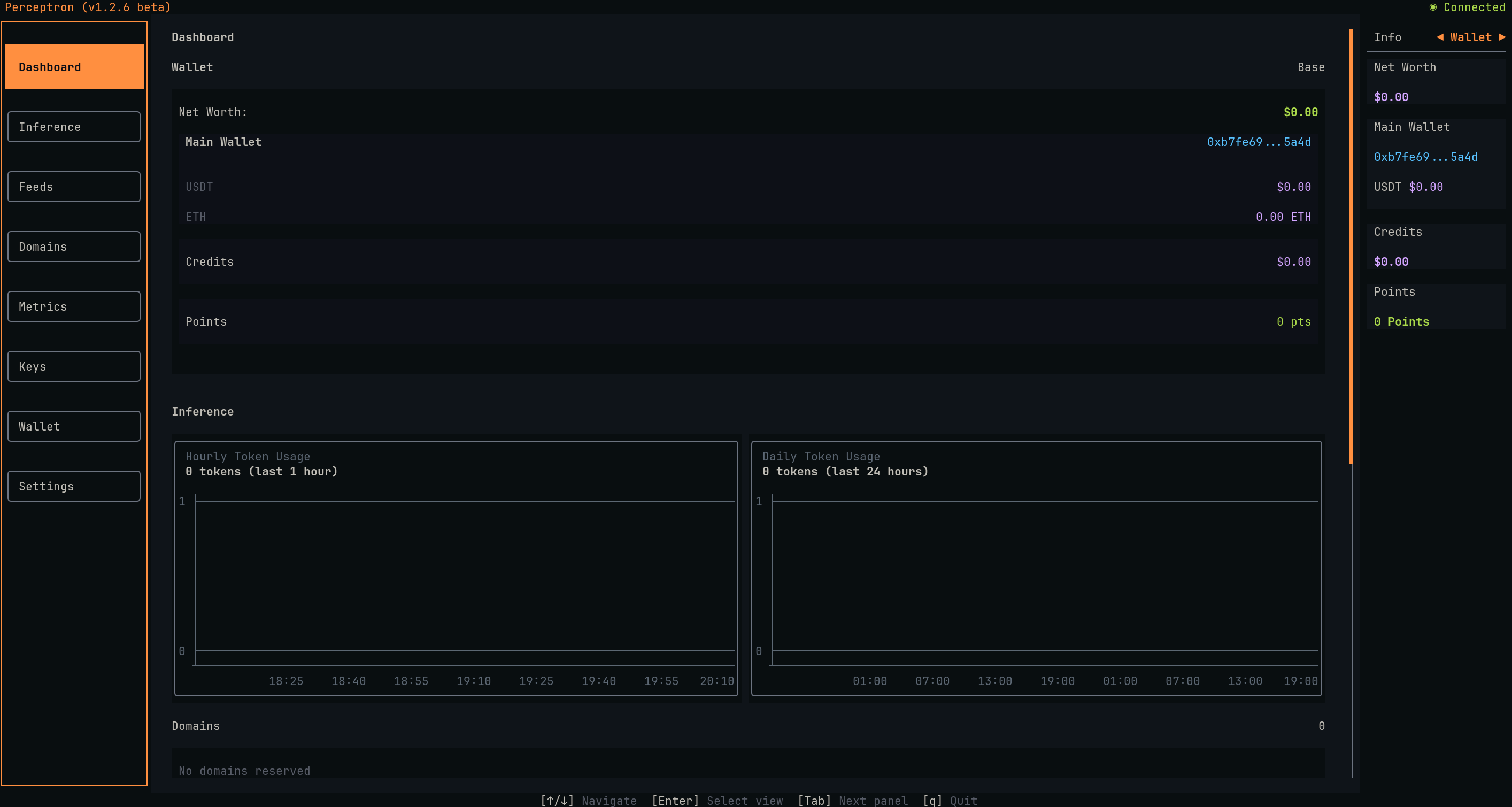
The TUI dashboard appears with an overview of your account, and a left sidebar menu for navigation.
You can navigate the menu sidebar with your keyboard arrow keys, or h-j-k-l to explore different pages of the interface.